Project guide
Tile Quantity for a Backsplash
Keep each run visible so corners, windows and untiled sections are counted deliberately.
Your measurements
Changing units changes the display, not the stored measurement.
Results
Example inputs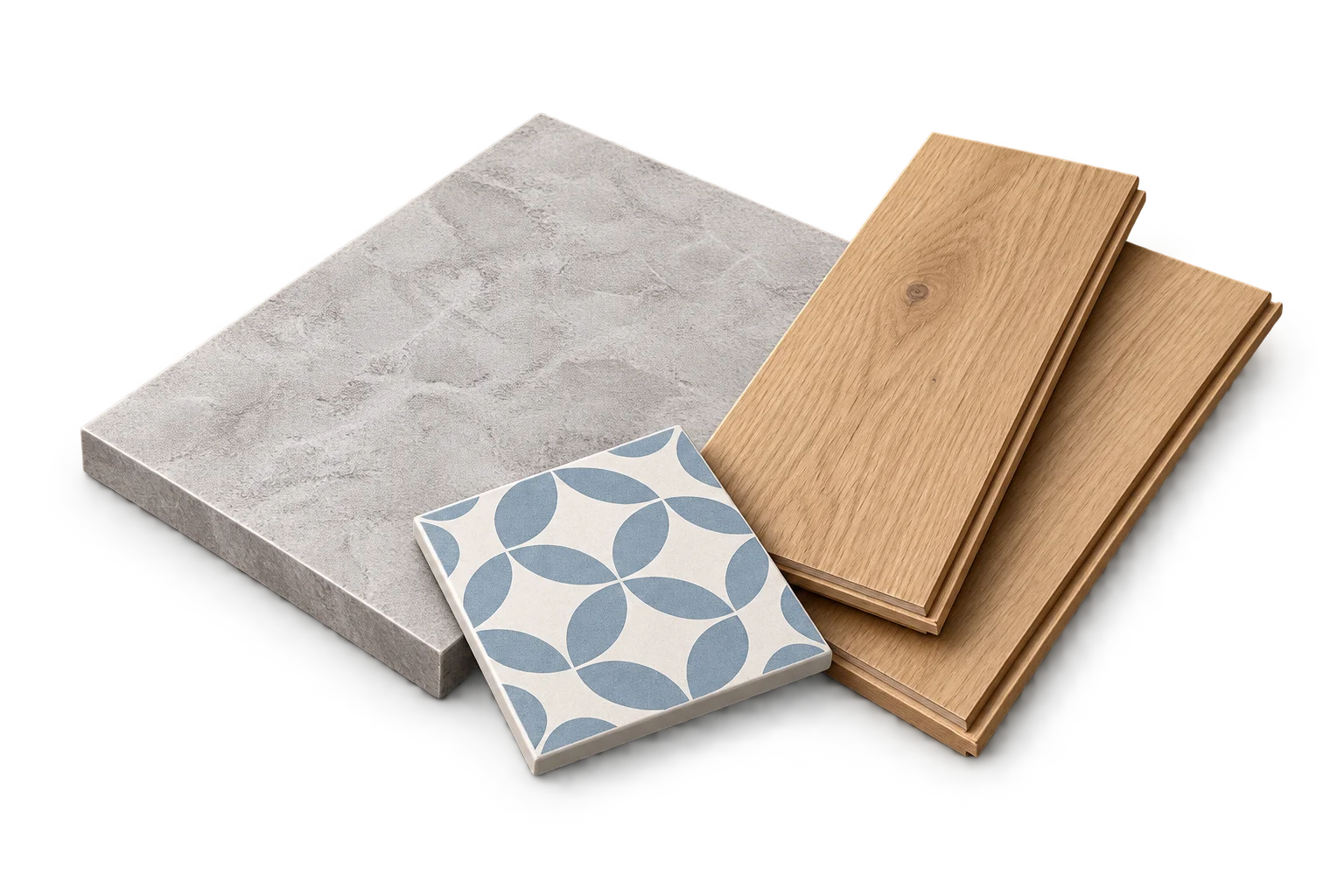
Your result will appear here
Enter the measurements and product details, then calculate.
An area estimate, not a cutting layout. Cuts, shape and pattern placement can affect what you buy.
Measure the sections that will receive tile
Record each rectangular backsplash run separately. At a corner, use boundaries that do not count the same area twice. Deduct only the part of an opening or untiled section that lies inside the measured tile area.
The calculator uses face area. It does not design the pattern, grout spacing, socket cuts or the order in which tiles are fitted.
Example: two runs with an exclusion
Suppose the runs measure 3 m by 0.6 m and 1.5 m by 0.6 m. Their gross area is 2.7 m². Deducting a measured 0.3 m² untiled opening leaves 2.4 m². A chosen 10% allowance gives 2.64 m².
With illustrative tiles measuring 0.2 m by 0.1 m, each face covers 0.02 m². The adjusted requirement is 132 pieces. At 20 pieces per box, seven boxes provide 140 tiles and 2.8 m² of face area.
Keep the two kinds of extra area separate
The chosen allowance adds 0.24 m² to the net area. Whole-box rounding adds another 0.16 m² beyond the adjusted requirement. These figures explain the purchase, but neither guarantees that a particular set of cuts will fit.
Check the selected product and layout
Save the tile dimensions and box count with the run measurements. If a different product comes in a different box size, recalculate instead of reusing the old box total. Review edge pieces, pattern direction and openings separately before buying.
Any sample allowance is an arithmetic choice. PackLedge does not recommend a universal percentage for a backsplash.
Frequently asked questions
Can I subtract every socket’s area?
Only enter measured exclusions that match your chosen area model. A small excluded area does not necessarily save a complete tile, and the calculator does not optimise cuts around it.
Sources and method
- PackLedge quantity methods
Original derivations using geometry, ratios, sums and whole-package rounding. Each calculator explains its assumptions and worked examples.
- Your selected product label or technical sheet
The source for the coverage, mixed yield, density, package capacity, sheet dimensions or wallpaper repeat that you enter.