Calculation method
How Flooring Cartons and Leftovers Are Calculated
The package’s stated coverage is the bridge between a floor area and a carton count.
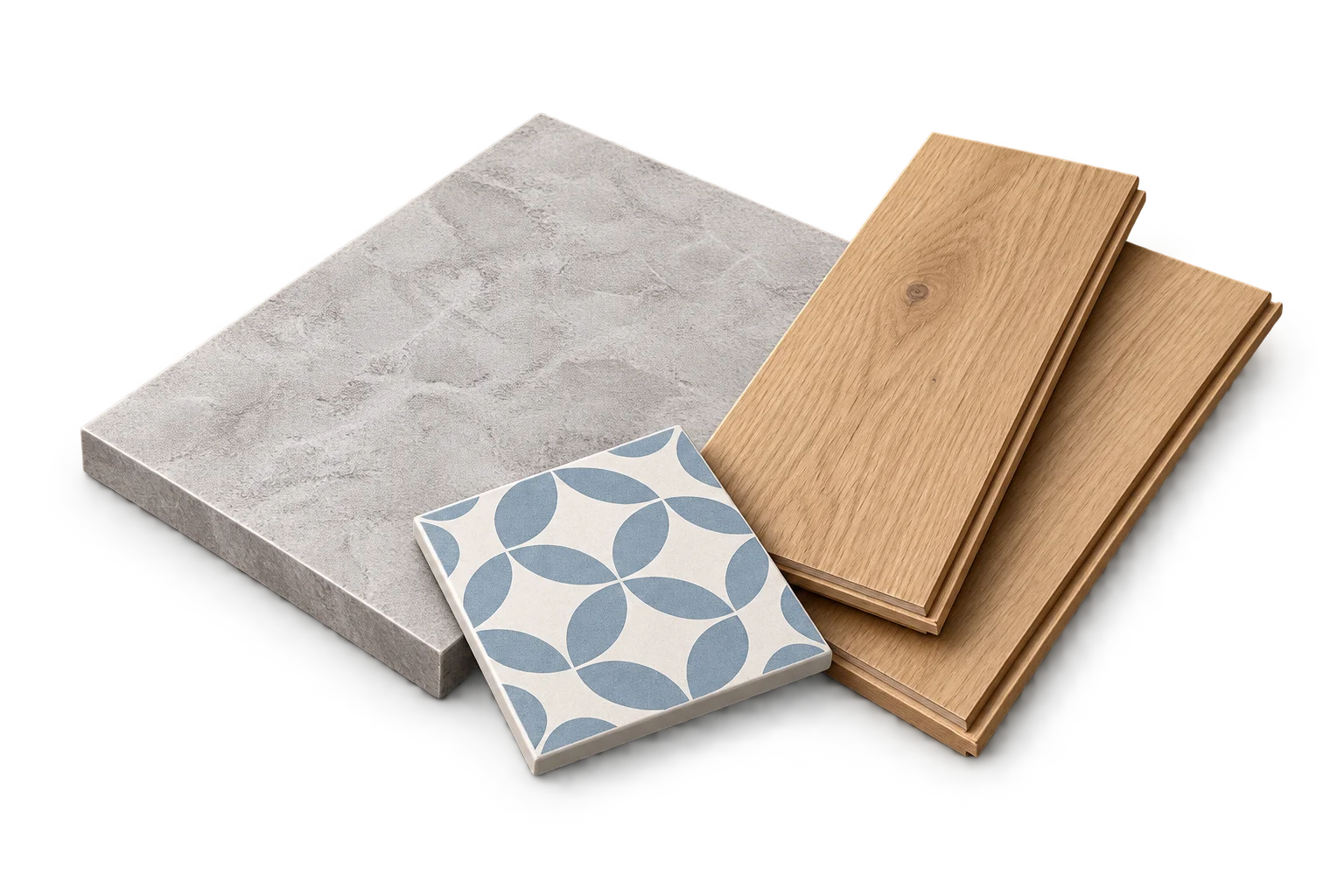
Use the actual carton specification
Record the coverage supplied by one carton in its stated area unit. This is different from entering the size of one board or the number of pieces in a tile box. Do not infer coverage from a photograph or a similar product name.
If the supplier changes package coverage, the same floor can require a different carton count. Keep coverage attached to the result so the count remains understandable.
Add compatible floor requirements
Measure each room or non-overlapping section. Apply the chosen allowance once to each requirement, then combine unrounded adjusted areas only when the product and purchasing specification match. Keep different products in separate groups.
For a shared specification with one allowance, adding net areas before applying that allowance gives the same mathematical result as applying it to each area once. It does not justify applying it again after grouping.
Round the purchase to complete cartons
Divide adjusted area by coverage per carton and round up. Purchased coverage is carton count multiplied by carton coverage. The difference between purchased coverage and the adjusted requirement is purchase surplus.
Example across two rooms
Net areas of 12 m² and 9 m² total 21 m². A chosen 10% allowance produces a 23.1 m² requirement. At an illustrative 2.2 m² per carton, the quotient is 10.5, so 11 cartons supply 24.2 m².
Purchase surplus is 1.1 m² beyond the adjusted requirement. The selected allowance is 2.1 m². The total 3.2 m² above the measured floor combines two different stages and should not be described as one chosen waste rate.
Understand what leftover coverage does not show
The surplus is an area difference, not a map of the pieces left after cutting. It does not guarantee usable offcuts, an installation direction or a successful fit around an alcove.
Keep a separate fitting review for shapes and orientation. This method helps you check a purchase quantity after product and layout decisions have been made; it does not choose those decisions for you.
Frequently asked questions
Does carton coverage include my chosen allowance?
No. The allowance changes the required project area. Carton coverage describes the amount supplied by a package.
Sources and method
- PackLedge quantity methods
Original derivations using geometry, ratios, sums and whole-package rounding. Each calculator explains its assumptions and worked examples.
- Your selected product label or technical sheet
The source for the coverage, mixed yield, density, package capacity, sheet dimensions or wallpaper repeat that you enter.