Project guide
Flooring for Closets and Alcoves
Small areas are easy to omit and easy to count twice. Give them their own measurements.
Your measurements
Changing units changes the display, not the stored measurement.
Results
Example inputs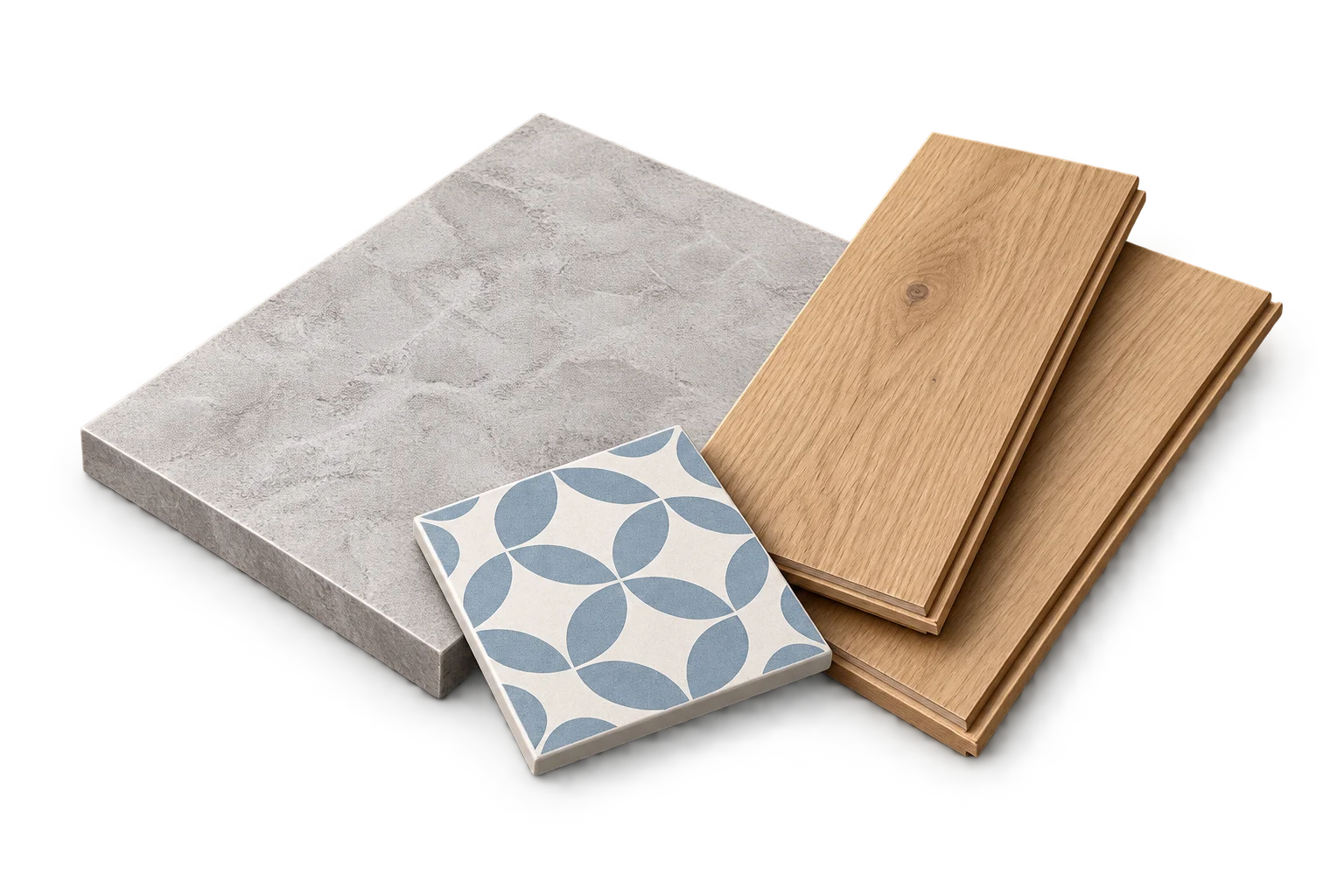
Your result will appear here
Enter the measurements and product details, then calculate.
An area estimate, not a cutting layout. Cuts, shape and pattern placement can affect what you buy.
Draw a simple area breakdown
Start with the main floor rectangle, then add only the parts of closets or alcoves that lie outside it. If a main rectangle already includes an alcove, do not add that alcove again. Use boundaries that meet without overlapping.
Name the areas so someone reading the shopping list can understand the total. The purpose is an auditable footprint, not an automatically generated fitting plan.
Example: a room with two extra areas
A main room measures 4 m by 3 m, a closet adds 1.8 m by 0.6 m, and an alcove adds 1.2 m by 0.5 m. If these rectangles do not overlap, their total area is 13.68 m².
A chosen 10% allowance gives 15.048 m². With an illustrative carton coverage of 2.2 m², seven cartons supply 15.4 m². The purchase surplus beyond the adjusted requirement is 0.352 m².
Keep product boundaries as well as area boundaries
A closet using another flooring product belongs in a separate purchasing group. If it uses the same product, its unrounded requirement can join the main room before the carton count is calculated.
Check the shape before trusting the total
Review the area breakdown against the measured plan and confirm that doorways and recesses are treated consistently. A small numerical difference may come from an overlap rather than a rounding issue.
The calculator does not decide board orientation or promise that narrow offcuts will fit the closet. Keep that layout question separate from the area-based purchase estimate.
Frequently asked questions
Can I enter the outer bounding rectangle?
Only if it represents the area to cover. Otherwise deduct valid exclusions or use non-overlapping rectangles so empty corners are not included.
Sources and method
- PackLedge quantity methods
Original derivations using geometry, ratios, sums and whole-package rounding. Each calculator explains its assumptions and worked examples.
- Your selected product label or technical sheet
The source for the coverage, mixed yield, density, package capacity, sheet dimensions or wallpaper repeat that you enter.