Material planning
Why an Area Estimate Is Not a Cutting Plan
Area tells you how much surface exists. It does not tell you how pieces fit around every edge.
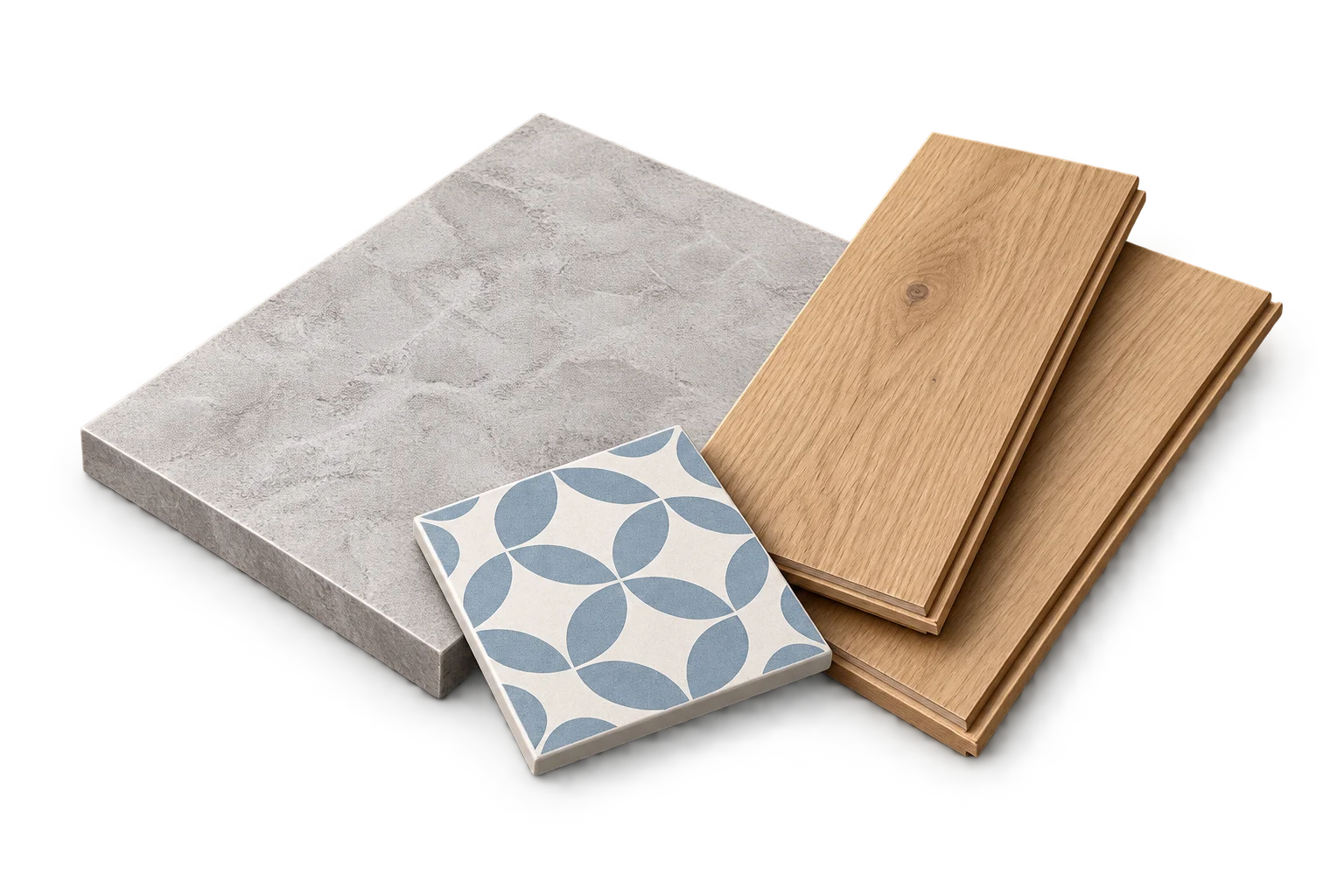
Equal area does not mean equal shape
A 1 m by 4 m rectangle and a 2 m by 2 m square both have an area of 4 m². Their boundaries and dimensions are different. A piece that fits one arrangement may need cuts or a different orientation in the other.
An area calculator can correctly total both surfaces while leaving their fitting questions unanswered. That is a limit of the model, not a reason to hide the calculation.
Understand what a piece or sheet count means
A tile estimate divides adjusted area by tile face area, then rounds to pieces and boxes. A drywall estimate divides by sheet face area. A flooring estimate uses coverage per carton. These are purchasing models based on area.
They do not place each piece on the surface, account for every seam or search for the best set of cuts. An integer result therefore should not be read as proof of a complete layout.
Openings complicate the reuse of material
A measured opening reduces the net area in an area model. It does not necessarily save one complete sheet or tile. Material surrounding an opening may still require pieces whose offcuts cannot fill another part of the surface.
The same issue appears with wallpaper: a door’s area does not automatically reduce the number of full-height, pattern-matched strips. The relevant shape and alignment constraints matter.
Purchase surplus has no promised shape
If twelve 1.2 m by 2.4 m sheets supply 34.56 m² against a 33 m² adjusted requirement, the arithmetic surplus is 1.56 m². That does not promise one reusable rectangle of that size.
The leftover material may be divided into pieces with inconvenient dimensions. A calculator cannot call all of it reusable without a fitting model that actually examines those pieces.
Use the estimate and the layout for different checks
Measure the intended coverage, enter the selected product specification and choose an allowance based on the project information. Use the calculation to check net quantity, allowance and package rounding.
Then review orientation, edges, openings and fitting requirements separately. If those decisions change the needed allowance or material specification, update the inputs and recalculate. Keep the reason for the change with the project rather than manually increasing a final box count without explanation.
Frequently asked questions
Does this make an area calculator inaccurate?
It can be accurate for the area model while remaining unable to guarantee a fitting layout. Clear assumptions explain which question the result answers.
Sources and method
- PackLedge quantity methods
Original derivations using geometry, ratios, sums and whole-package rounding. Each calculator explains its assumptions and worked examples.