Material calculator
Mulch Calculator
Add the beds you want to cover and turn their total volume into whole bags.
Your measurements
Changing units changes the display, not the stored measurement.
Results
Example inputs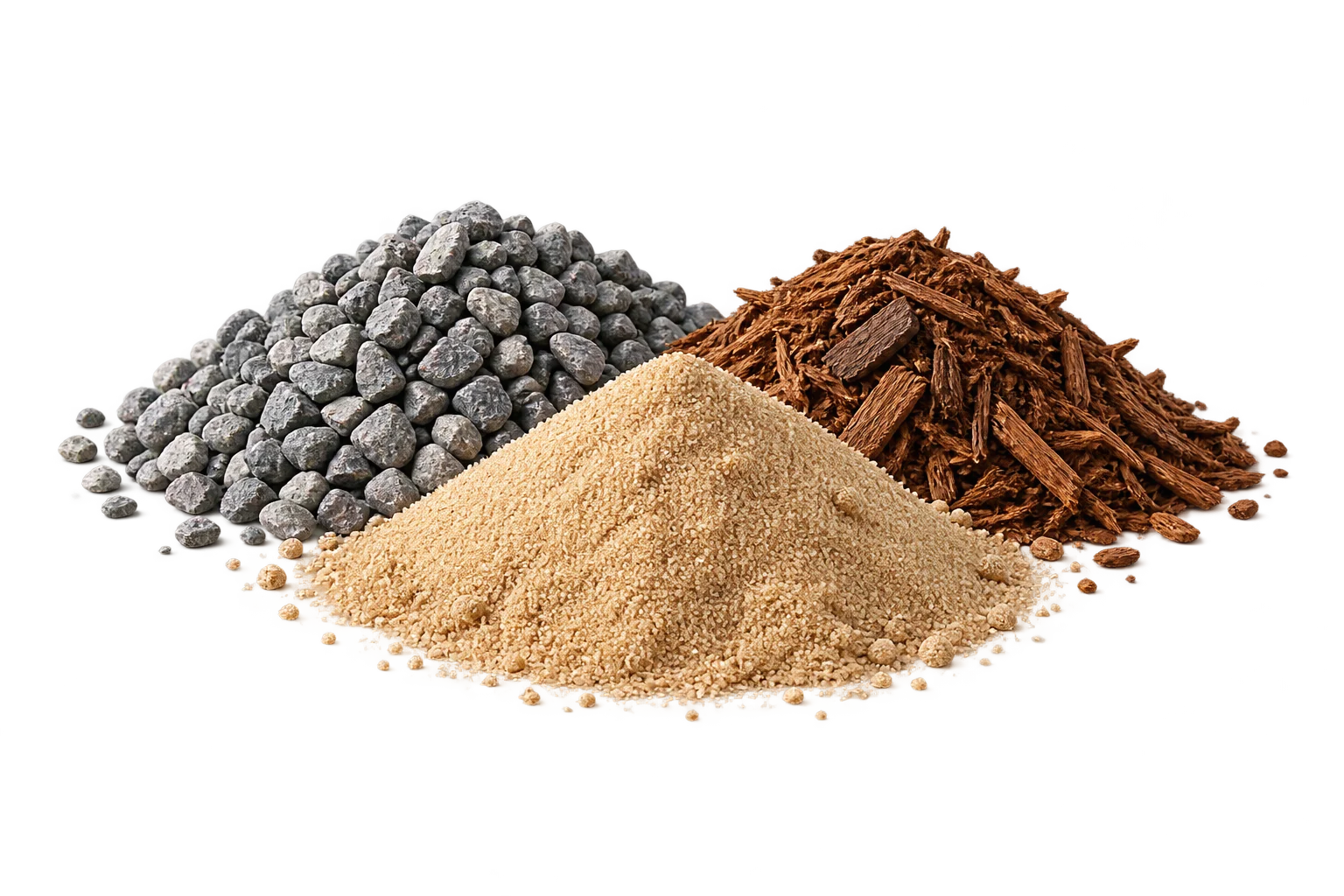
Your result will appear here
Enter the measurements and product details, then calculate.
These tools estimate material quantities from dimensions you choose. They do not specify structural depth or load capacity.
Measure each bed separately
Enter length, width and depth for rectangles that do not overlap. Leave spaces that will not receive mulch outside those included rectangles. The form calculates area from their dimensions; it does not accept a separate irregular-area or deduction field. Keep the breakdown with each bed so it can be checked later.
The entered depth describes the layer you have chosen. A demonstration depth is not planting advice. If different beds need different depths, retain them as separate areas and combine their resulting material requirements only when the product specification matches.
Calculate a volume for each layer
Multiply each net area by its depth, then add the resulting volumes. Apply any chosen allowance once. Converting a bag capacity in litres to cubic metres is a volume conversion, not a density assumption.
Example: two beds with one bag size
Suppose one bed is 4 m by 2 m and another is 3 m by 1 m. Their combined area is 11 m². At an illustrative user-selected depth of 0.05 m, the net volume is 0.55 m³. A chosen 10% allowance makes the required volume 0.605 m³.
With a user-entered 50 L bag, each bag supplies 0.05 m³. Dividing 0.605 by 0.05 gives 12.1, so the purchase quantity is 13 bags. Those bags supply 0.65 m³, which is 0.045 m³ more than the allowance-adjusted requirement.
Use the capacity of the bag you will buy
A bag is a package, not a standard unit of volume. Check the label and record the capacity with the material line. Different package sizes should not merge into one unexplained bag count. If buying bulk, retain the required volume and confirm the supplier’s order increment.
A quantity estimate for your chosen material
The tool does not select mulch type, depth around plants or a horticultural treatment. It also does not assume a material density. An optional weight calculation is useful only when you provide a suitable density and clearly identify its basis.
Frequently asked questions
Why is there more material after rounding to bags?
The chosen allowance is applied first. Whole bags may supply more than that adjusted requirement; the remainder is purchase surplus.
Can different beds have different depths?
Yes. Keep the depths with their individual areas and combine the resulting compatible material requirements, rather than averaging the depths without considering area.
Sources and method
- PackLedge quantity methods
Original derivations using geometry, ratios, sums and whole-package rounding. Each calculator explains its assumptions and worked examples.
- NIST Guide to the SI — Conversion Factors ↗
Reference for unit conversions and clear identification of metric and customary units. Exact base-unit definitions are retained in calculations rather than rounded display factors.
- Your selected product label or technical sheet
The source for the coverage, mixed yield, density, package capacity, sheet dimensions or wallpaper repeat that you enter.