Material calculator
Brick and Block Calculator
Calculate a transparent masonry face-area estimate from the dimensions you enter.
Your measurements
Changing units changes the display, not the stored measurement.
Results
Example inputs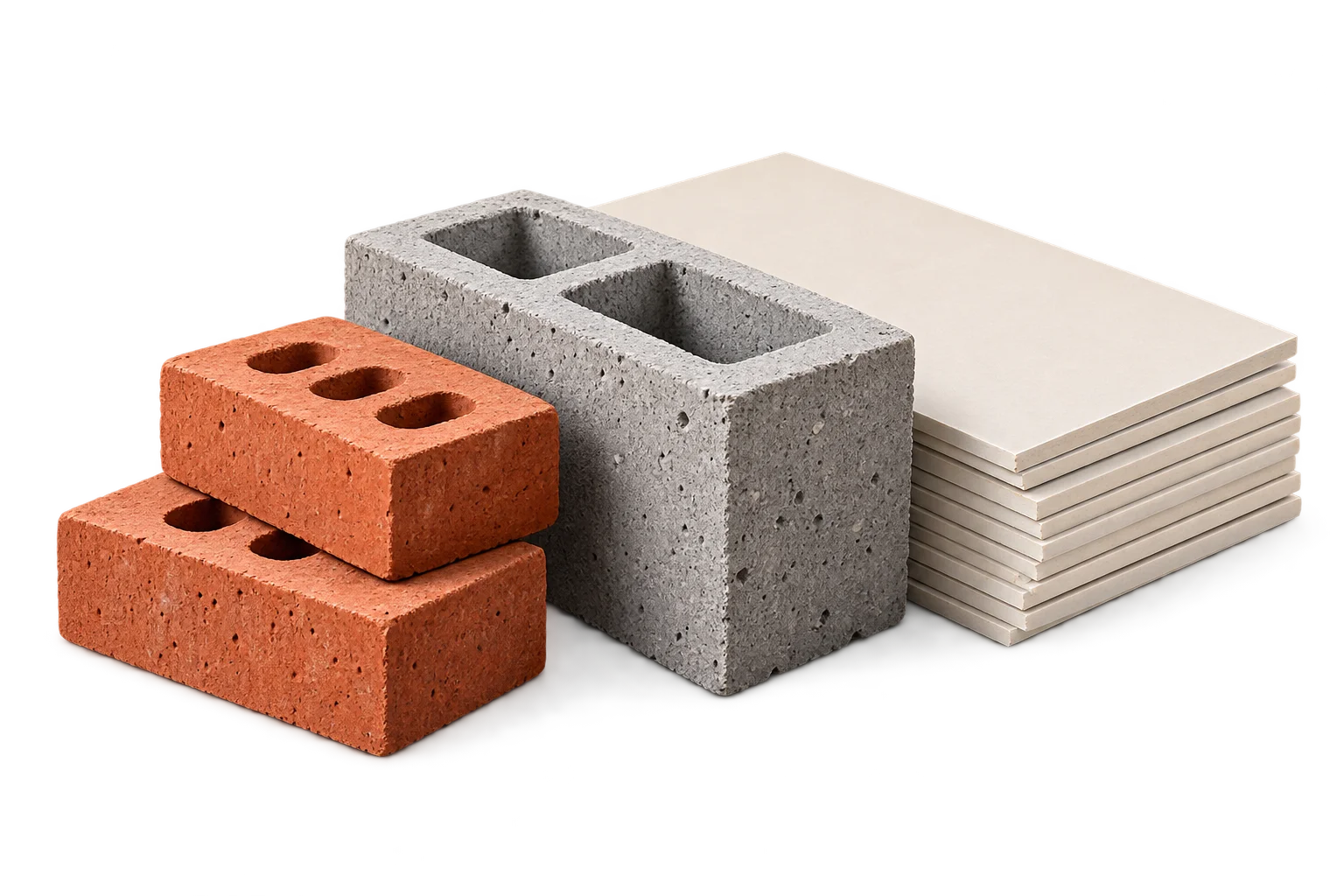
Your result will appear here
Enter the measurements and product details, then calculate.
An area estimate, not a cutting layout. Cuts, shape and pattern placement can affect what you buy.
Start with the wall face
Enter wall length and height, then deduct measured openings from that wall face. This is a single-face area model. It does not automatically add another leaf, return, corner, pier or hidden surface. Record any additional face as its own measured area when appropriate.
Use the actual face dimensions of the chosen unit and enter the horizontal and vertical joint widths separately. A nominal product name alone is not enough to establish the dimensions used in the calculation.
Include the joint module
The estimated module width is unit width plus the vertical joint. Module height is unit height plus the horizontal joint. Dividing net wall area by this module area gives an approximate unit requirement before allowance and whole-unit rounding.
Example: a specified block face
For an illustrative net wall area of 10 m², use a user-selected block face of 0.39 m by 0.19 m with 0.01 m joints in both directions. The module is 0.40 m by 0.20 m, or 0.08 m². A chosen 10% allowance gives 11 m² of required area, which produces an area-based estimate of 138 whole units.
These values are not a recommended wall specification. They show how a change to a unit face or joint width changes the model even when the net wall area stays the same.
Understand the edge approximation
The module assigns joint space to each unit. Real wall ends, corners and bond arrangements can differ from that repeated-area model. The calculation does not refine those boundary joints or count every special unit.
Quantity is separate from design
PackLedge does not design a bond, select foundations, assess loads or calculate mortar. Openings may also require construction details outside a face-area count. Use this result as a quantity check after the project specification is established.
Frequently asked questions
Does this include mortar?
No. Joint dimensions affect the face-area module, but the tool does not calculate mortar volume.
Is the result an exact brick layout?
No. It is an area-based approximation. Edges, returns, bond patterns, special units and structural details require separate consideration.
Sources and method
- PackLedge quantity methods
Original derivations using geometry, ratios, sums and whole-package rounding. Each calculator explains its assumptions and worked examples.
- Your selected product label or technical sheet
The source for the coverage, mixed yield, density, package capacity, sheet dimensions or wallpaper repeat that you enter.