Material planning
When an Allowance Adds Another Pack
A small percentage change can produce a large-looking jump in whole packs. That jump comes from a boundary, not a sudden change in the measured area.
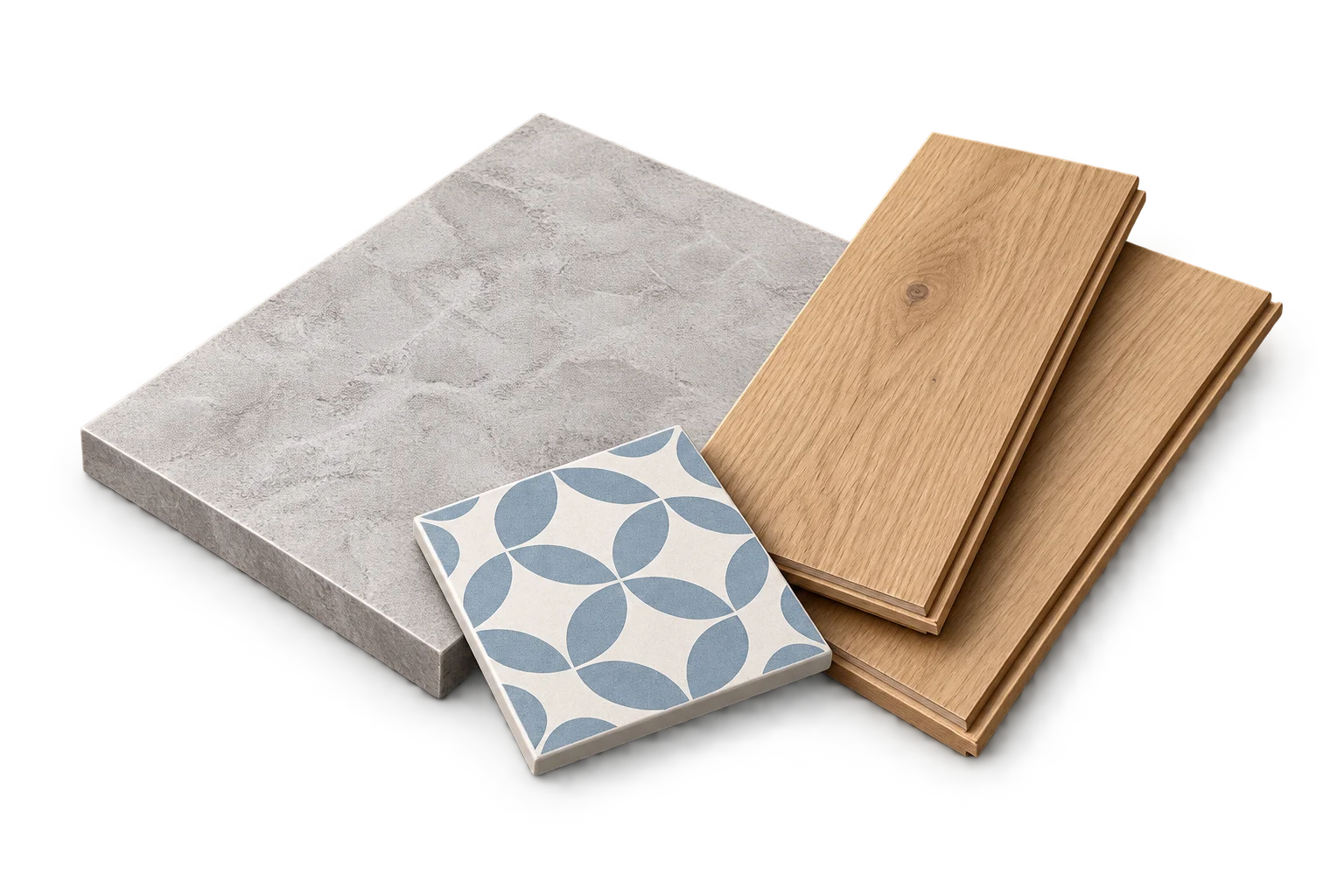
Whole packages create steps
An area or volume can change smoothly, but a purchase of complete cartons changes in whole numbers. Until a package boundary is crossed, the count stays the same. Just beyond it, another complete pack is needed.
This is why the exact adjusted requirement matters even when the displayed result looks almost unchanged. A rounded screen value should not hide a real amount beyond a package boundary.
A simple flooring example
Suppose the measured net area is 9.9 m² and the selected carton covers 2 m². The following percentages are comparison inputs, not recommended allowances.
| Chosen allowance | Adjusted area | Whole cartons | Purchased coverage |
|---|---|---|---|
| 0% | 9.900 m² | 5 | 10 m² |
| 1% | 9.999 m² | 5 | 10 m² |
| 2% | 10.098 m² | 6 | 12 m² |
Read the difference correctly
At 1%, the adjusted requirement is just under 10 m². At 2%, it is just over 10 m², so six cartons are needed under the area model. The extra carton does not mean the physical floor became 2 m² larger. It reflects how the material is packaged.
The purchase surplus also changes at the boundary. Keep it separate from the allowance you selected. Otherwise, the list can make a modest allowance look like an unexplained large waste rate.
Choose an allowance for the project
Do not reduce an allowance merely to make the last pack disappear without reviewing the reason for that allowance. The calculator shows the consequences of an input; it does not decide which allowance is appropriate for a layout or material.
A separate fitting review can matter for tiles, flooring and sheets. Equal total area does not guarantee an exact cut arrangement, and a package surplus is not a promise of reusable pieces.
Check whether separate purchases are intended
Compatible rooms can be combined before the final carton rounding. Separate room purchases can each round up a final carton. Compare the grouping you actually intend to use rather than mixing a combined area with separately rounded packs.
Keep the product and carton coverage attached to every comparison. Changing the package capacity creates different boundaries even when measurements and allowance remain unchanged.
Frequently asked questions
Should I round the adjusted area before calculating packs?
No. Preserve the actual calculated requirement for purchasing. Use display rounding only to make the result readable.
Sources and method
- PackLedge quantity methods
Original derivations using geometry, ratios, sums and whole-package rounding. Each calculator explains its assumptions and worked examples.
- Your selected product label or technical sheet
The source for the coverage, mixed yield, density, package capacity, sheet dimensions or wallpaper repeat that you enter.